
View variables
API token hashing is enabled by default in InfluxDB OSS 2.9.0
Stronger token security: tokens are stored as hashes on disk, so a copy of the database file doesn’t expose usable tokens. Existing tokens are hashed on first startup and the original strings can’t be recovered afterward — capture any plaintext tokens you still need before you upgrade.
For more information, see Token hashing.
View a list of dashboard variables in the InfluxDB user interface (UI) from an organization or from the Data Explorer.
View variables in the organization
Click the Settings icon in the navigation bar.
Select the Variables tab.
View variables in the Data Explorer
Click the Data Explorer icon in the navigation bar.
Switch to Script Editor.
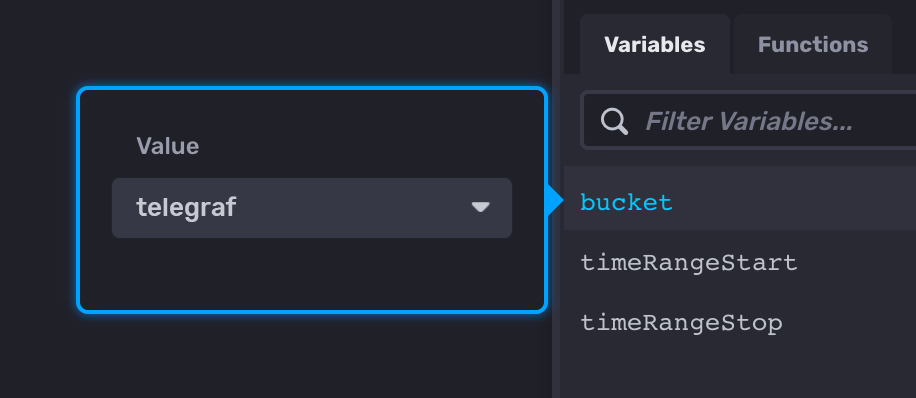
Click the Variables tab to the right of the script editor.
Was this page helpful?
Thank you for your feedback!
Support and feedback
Thank you for being part of our community! We welcome and encourage your feedback and bug reports for InfluxDB OSS v2 and this documentation. To find support, use the following resources:
Customers with an annual or support contract can contact InfluxData Support.